
0–29%
No clear indicators
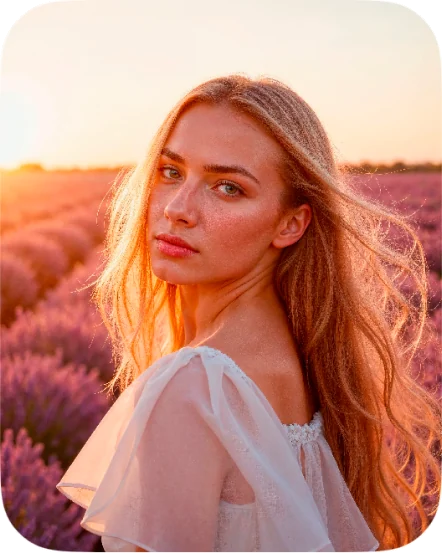
No clear sign of AI generation was found in the image.
 AI image detector for iPhone
Upload any image or paste a link. AI Detect scans it and tells you how likely it is to be made by AI, in seconds.
Free download. Your first 2 scans are on us.
Trained on images from the generators people use every day
How it works
No settings, no learning curve. Add an image and read the score.
Confidence
Every scan ends with a confidence percentage and a plain-language verdict.
No clear sign of AI generation was found in the image.
Some signals, but not enough to call it. Check where the image came from.
The image strongly matches AI-generated content.
The percentage shows how strongly the model matched this image. It is an indicator, not proof.
Features
Pick a photo and get the answer while you are still looking at it.
Choose from your library or paste the address of an image from any website.
See how strongly the image matches AI content, not just a yes or no.
Every scan is saved on your device so you can look back at it later.
JPG, PNG, HEIC and WEBP, straight from your camera roll.
The app is available in 31 languages.
Verify a viral photo before you repost it.
Spot profile pictures that were never taken by a camera.
Confirm an image before you publish or cite it.
Make sure what you share is what it claims to be.
Privacy Policy
AI Detect asks for your permission before an image is checked. It is sent over an encrypted connection to Sightengine, our image analysis provider, only to produce your result.
We do not keep your images on our servers, and your scan history is stored only on your phone.
Read the privacy policyPricing
2 scans to try every feature.
Monthly or yearly subscription through the App Store.
The image is checked by a model trained on large sets of real and AI-generated pictures. It looks for the traces generators leave behind and returns the probability that the image was made by AI.
No detector is perfect. The percentage shows how strongly the image matches AI-generated content. Treat a high score as a strong indicator, not proof, and check where the image came from.
The app is free to download and includes 2 scans. For unlimited scans you can subscribe to Pro in the app and cancel any time in your App Store settings.
Any JPG, PNG, HEIC or WEBP image from your photo library, or a link to an image on the web.
An image is only sent for analysis after you agree. Sightengine processes it to produce your result and uses it for nothing else. Your history stays on your device.
AI Detect is available for iPhone and iPad on the App Store.
Get AI Detect for iPhone and check your next image in seconds.
Download on the App Store